Fast, focused RAW photo culling for macOS.
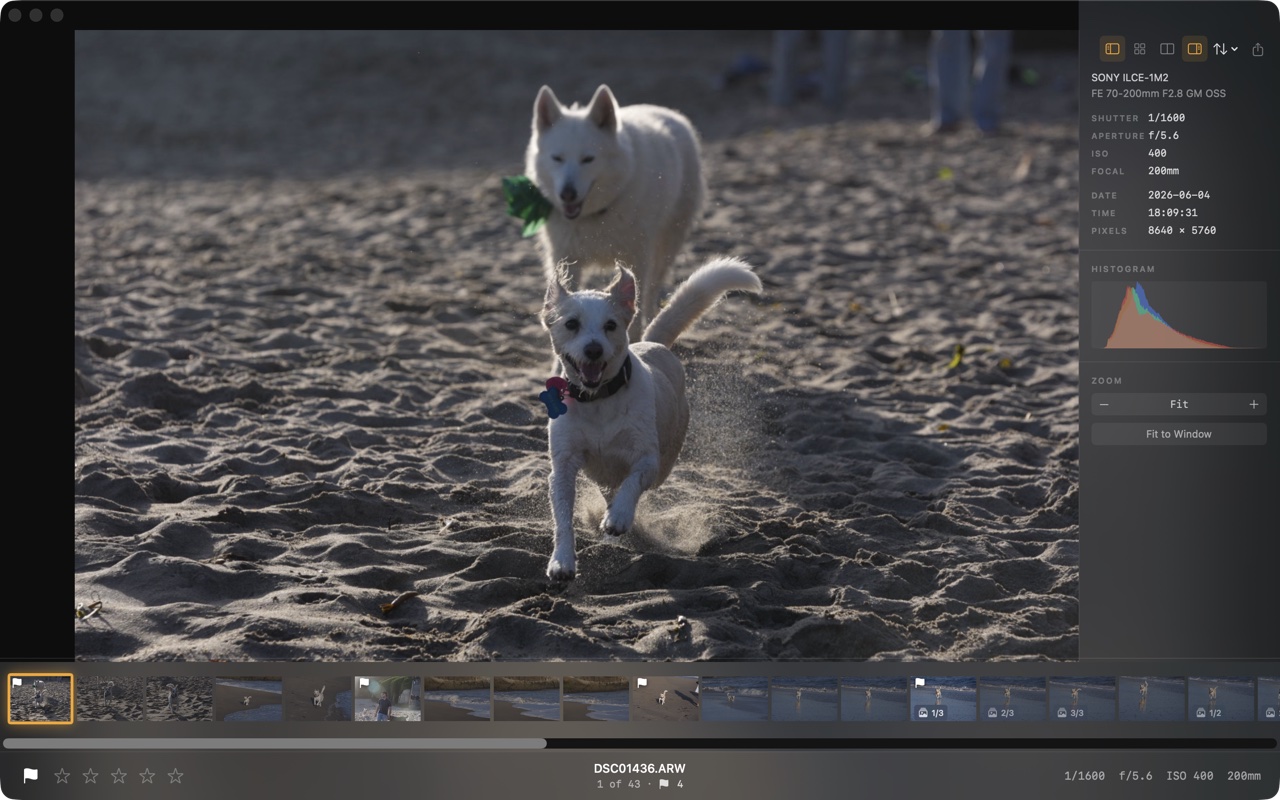
Palomino helps you get through a large shoot quickly. Rate the keepers, skip the rejects, and hand a tight selection to your editing software. It doesn't edit, organize, or sync anything. It makes culling fast, and that's the whole job.
Requires macOS 15 Sequoia or later · Apple silicon & Intel
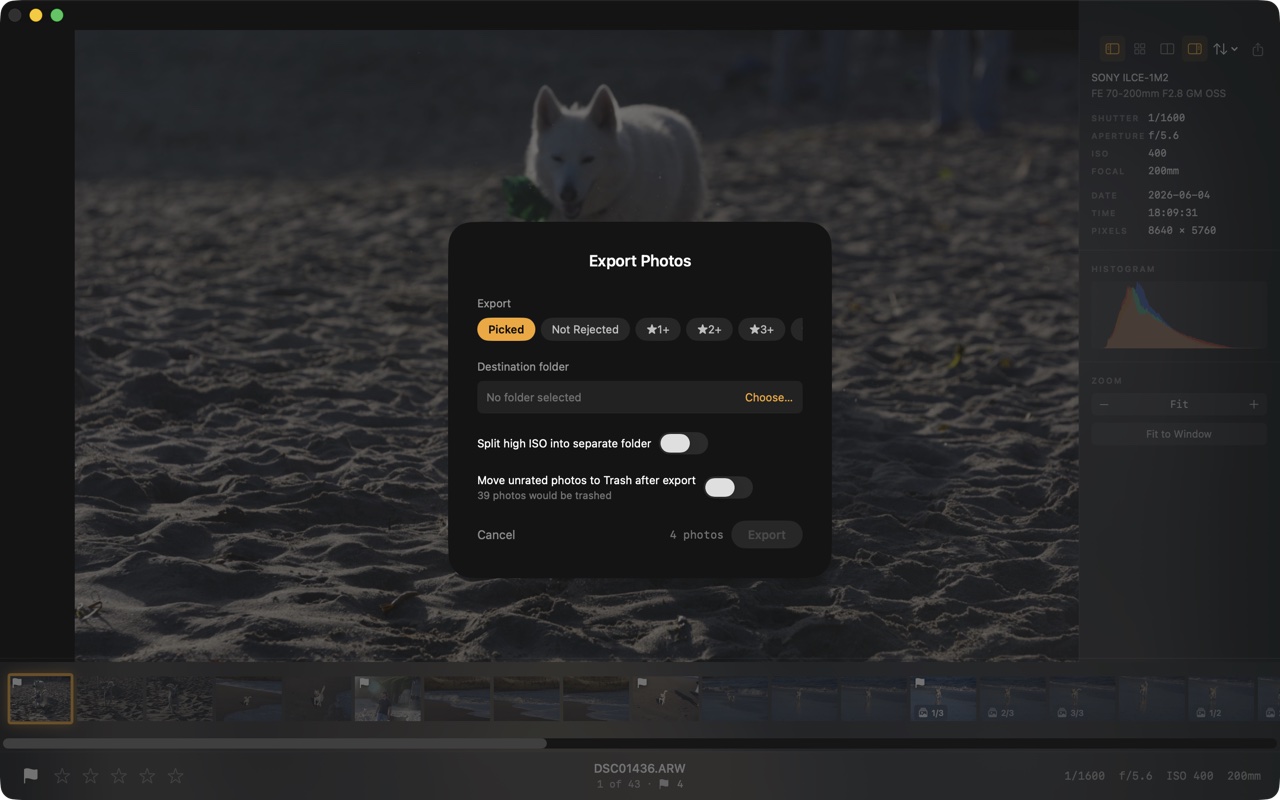
Free to download. Exports up to 50 photos per session. Palomino Pro removes the limit for a one-time $29.99 purchase.
Palomino reads the JPEG preview your camera already wrote into each RAW file. That's 10 to 100 times faster than decoding the sensor data, and it looks identical at normal viewing size.
Press 1 through 5 to rate, P to pick, X to reject. Each action advances to the next photo, so you can work through a shoot without touching the mouse. Press ? for the full shortcut list.
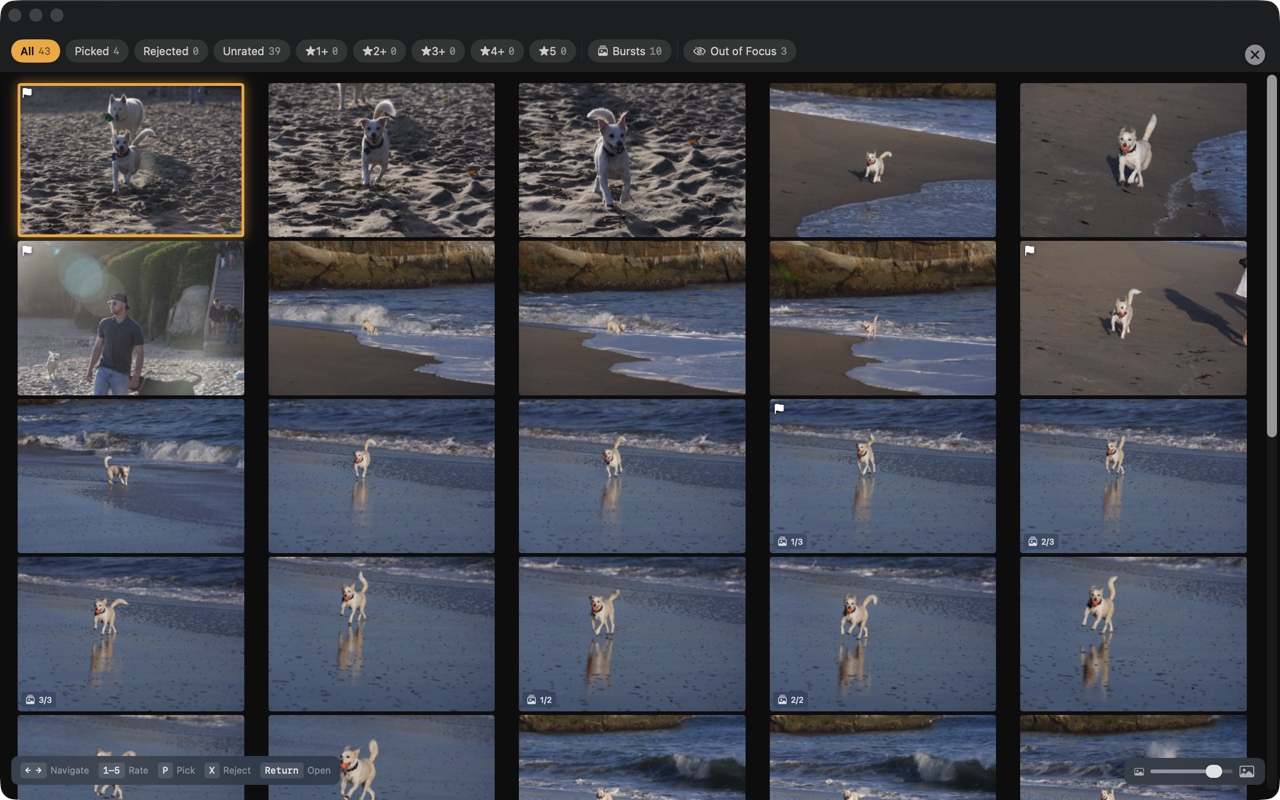
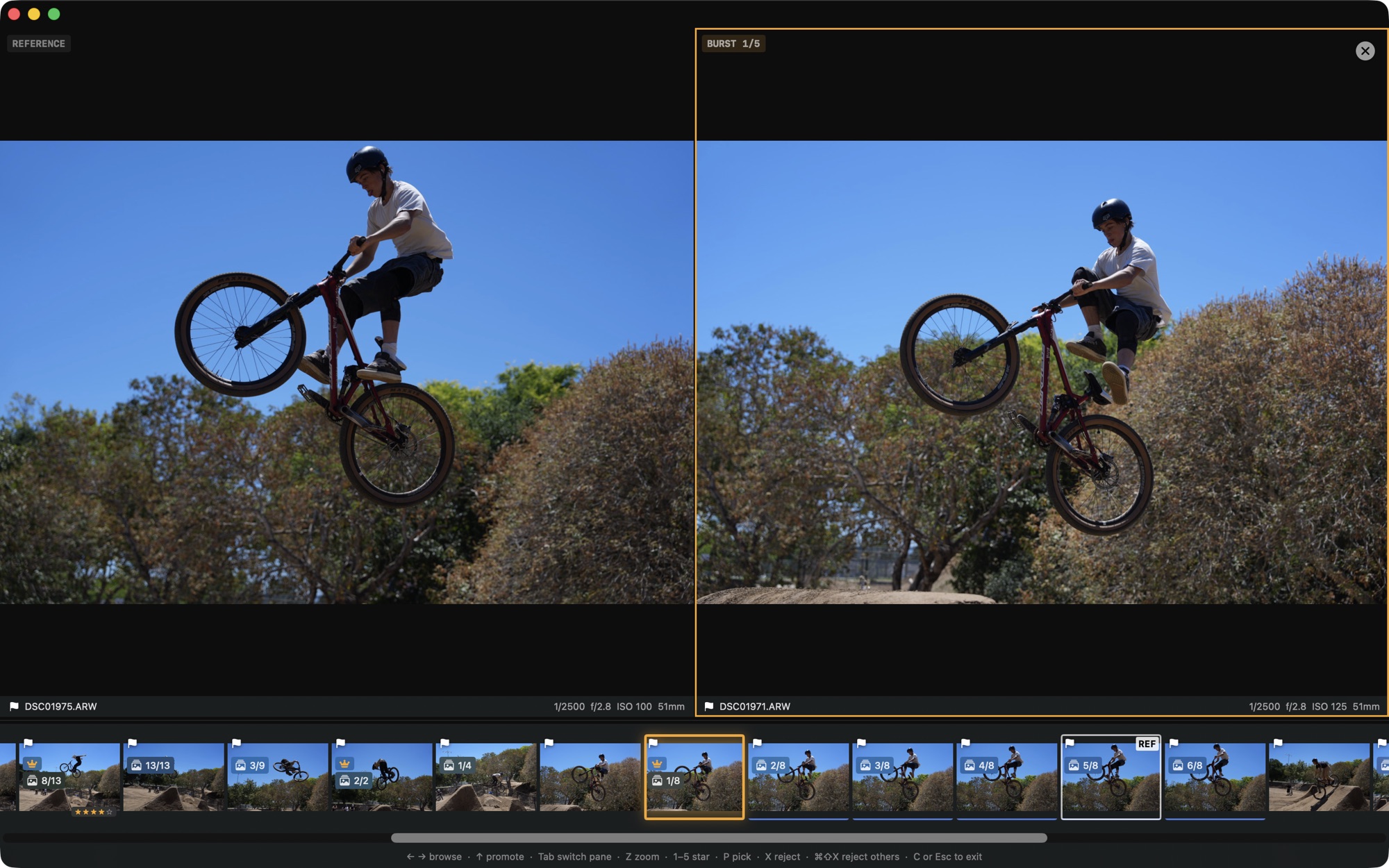
Background analysis flags overexposed, underexposed, and soft photos, and groups burst sequences so you can keep the best frame and reject the rest with one shortcut.
Ratings and labels are written to standard XMP sidecar files, so they carry over to any editor that reads XMP. Sessions reopen exactly where you left off.
← → navigate 1–5 rate P pick X reject G grid C compare E export
Palomino does its work on your Mac. There are no accounts, no cloud, no analytics, and no tracking, and your photos, ratings, and folders stay on the machine. The only network activity is Apple handling your Pro purchase, which never involves your photos.
Palomino ships in the macOS App Sandbox without the network entitlement, so the app cannot upload your photos anywhere. You can verify this yourself in the app's entitlements.
Nothing to sign up for and nothing synced anywhere. Your ratings are written to standard XMP sidecar files next to your photos, where they stay.
The one piece of data that can ever leave is a debug log, and only when you choose to save it and send it to us for a bug report. Until you do, nothing goes anywhere.
Palomino is free to download. The free version exports up to 50 photos per session, which covers most hobbyist shoots without any payment. Palomino Pro removes the export limit for a one-time $29.99 purchase. No subscription, no recurring charges. Upgrade from inside the app under Settings → Pro.
Palomino is free to download and use. The free version exports up to 50 photos per session. Palomino Pro removes the export limit for a one-time $29.99 purchase, with no subscription and no recurring charges.
No. Palomino reads your RAW files to show and rate them, and writes ratings and labels to standard XMP sidecar files. It never alters the original image files.
No. Your photos and ratings never leave your Mac. Palomino has no analytics, tracking, or accounts, and the only data that can leave is a debug log, and only if you save it and send it yourself for a bug report.
Palomino supports ARW, DNG, NEF, CR3, RAF, ORF, HEIC, JPEG, and more than 20 other formats.
Palomino requires macOS 15 Sequoia or later and runs on both Apple silicon and Intel Macs.
Palomino reads the JPEG preview your camera already embedded in each RAW file, which is much faster than decoding the full sensor data, and it prefetches the next photo in the background so navigation feels instant.