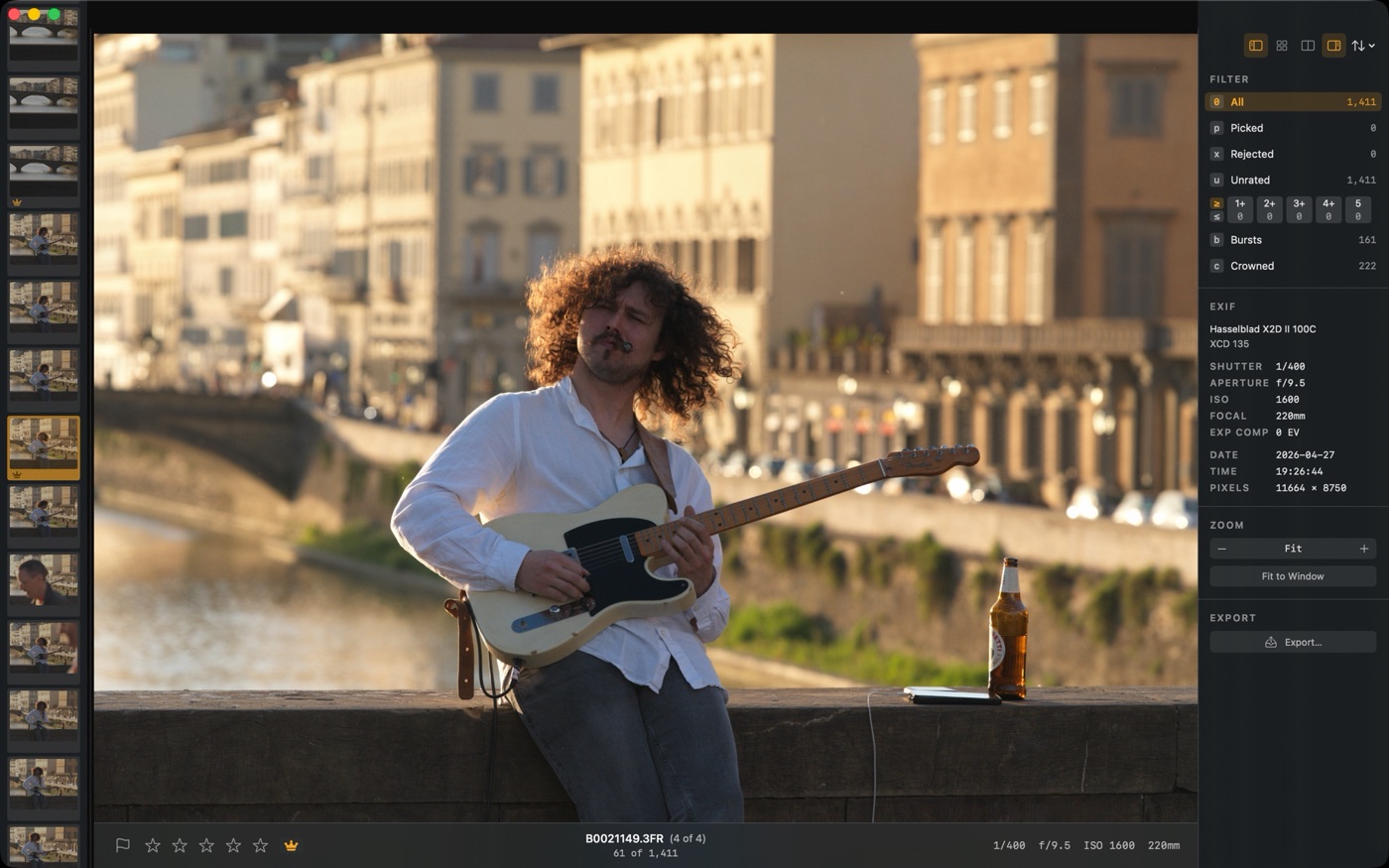
This manual covers what Palomino does, from opening a folder to copying your picks to a destination folder. Each page focuses on one part of the workflow, along with the keyboard shortcuts and settings that go with it.
Start with Getting Started if you are new to Palomino, or jump straight to the page for whatever you are trying to do. The ? overlay inside the app shows the same keyboard shortcuts listed here.
Open a folder, then judge each photo and press P to pick it or X to reject it, Palomino advances to the next frame automatically. Add star ratings with 1 through 5 if you want them alongside flags. When you are done, press E and copy your picks to a destination folder. Ratings and flags write to XMP sidecar files next to each RAW, so your stars and picks appear as soon as you import into Lightroom or Capture One.
What Palomino does, opening a folder, and why previews load instantly.
Picks, rejects, star ratings, color labels, and the WASD grip.
The grid, the info panel, sort order, and filtering by flag, rating, or label.
Burst grouping, focus stacks, keeper crowns, and the compare view.
The Copy to Folder sheet, copy modes, file naming, and copy presets.
How XMP sidecars carry your ratings into Lightroom, Capture One, and Phocus.
Every shortcut in the app, grouped by task.
Fixes for the most common problems, from missing ratings to slow loading.
← → move 1–5 rate P pick X reject V face zoom G grid C compare E export